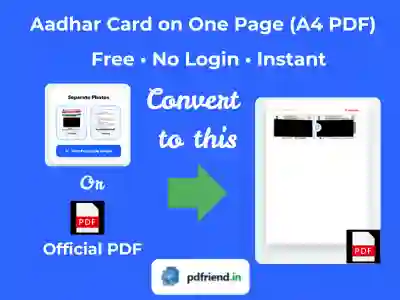
Aadhar Card on One Page Online
Loading the Aadhar cutting tool...
Drag & Drop Files here
Combine, rearrange, and process your files locally. Your files never leave your device.
More ID Card Cropp & other Tools
ID Card Arranger
The ultimate print adjuster. Align Aadhar, PAN, or Voter IDs on A4 sheets with pixel-perfect accuracy for easy printing.
Ayushman Size Maker
Extract PM-JAY Golden Cards with high precision. Tailored layout for perfect medical card printing.
Pan Card on One Page
Surgical cropping from NSDL/UTIITSL PDFs. Automatic password handling and perfect card alignment.
Voter ID on One Page
Optimized for e-EPIC digital Voter IDs. Extracts and aligns both sides for professional A4 output.
Passport Photo Maker
Generate professional passport photo sheets instantly. Supports 3.5x4.5cm and 3.2x3.99cm standard sizes.
Photo GeoTag Stamper
Extract and print verified GPS coordinates, timestamps, and camera info on photos. 100% private, offline verification.
Add Name & Date on Photo
Stamp professional name and date strips (DOP/DOB) on photos instantly. 100% private processing for official job applications.
Other Popular Tools
PDF to Image
Extract sharp JPG/PNG images from PDF pages. High-resolution output up to 300 DPI for perfect quality.
Premium Image to PDF
Convert high-res photos to official PDF documents. Apply professional filters and exact page sizing without any watermarks.
Age Calculator
Calculate your exact age in years, months, and days instantly. Professional tool for government forms, UPSC, and SSC applications.
EMI Calculator
Calculate your monthly EMI for Home, Car, and Personal loans instantly. View principal vs interest breakdown.