
Bulk PDF to Image Converter Online (High Quality JPG/PNG)
PDF to Image
The ultimate multiple pdf to image converter. Upload single or bulk PDFs to extract high-resolution JPG or PNG images instantly.
Pro Tip: Use 300 DPI for official documents like a scanned document to ensure text remains sharp.
The Best Free PDF to Image Converter Online
Welcome to the best pdf to image converter app built directly into your browser. Whether you need a scanned pdf to image converter to extract pages or a fast pdf to image batch converter free of cost, our tool delivers. It operates 100% client-side, making it the safest converter for handling sensitive personal documents.
PDF to Image Converter High Quality
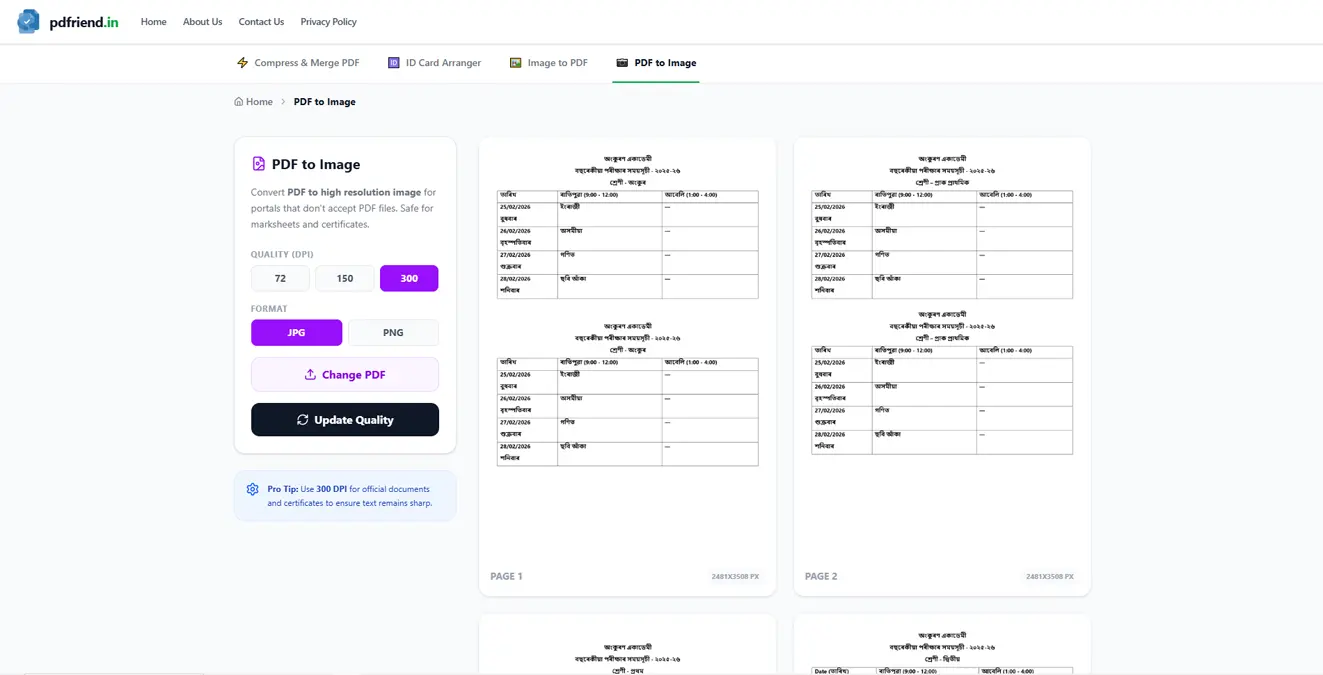
Most websites convert pdf to image at low quality (72 DPI). Our pdf to image converter high quality engine allows you to select 300 DPI or Actual High Res, ensuring your exported JPGs and PNGs are crisp and print-ready.
Bulk PDF to Image Converter Online
Save time with our multiple pdf to image converter feature. You can upload dozens of PDFs at once using the "Add More PDFs (Bulk)" button.
- ✓ batch pdf to image converter support
- ✓ pdf to image converter bulk zip downloads
- ✓ best free pdf to image converter with Pro Mode selection
Frequently Asked Questions
Why is this the best pdf to image converter?
Unlike server-based tools, our pdf to image converter online processes everything in your browser's memory. It's faster, has no file size limits, and is the best free pdf to image converter because it guarantees absolute privacy for your files.
Is it safe to convert sensitive PDF documents?
Yes! It is highly recommended. Because the files never leave your device, it is the safest way to convert sensitive documents like certificates or bank statements. If your PDF is password protected, please unlock it first before uploading.
Does the bulk pdf to image converter online limit how many files I can upload?
No, there is no hard limit on the batch pdf to image converter. However, because it runs on your device, processing 100+ pages at 300 DPI might consume a lot of your device's RAM. We recommend doing batches of 20-30 pages at a time for optimal performance.
More PDF Tools
200KB PDF Merger and Compressor
Industrial client-side compression. Merge, resize, and shrink unlimited files exactly under 200KB with lossless clarity.
Merge PDF
Combine multiple PDF files into one document. Drag-and-drop reordering with page range selection. Lossless merge with output integrity verification.
Split PDF
Extract specific pages or split PDFs into chunks. Split by range, every N pages, or into equal parts. Verified ZIP download.
Extract PDF Pages
Select specific pages, reorder and rotate them, then export as combined PDF, separate PDFs, or high-quality images. Lossless with integrity verification.
Insert PDF Pages
Insert pages from other PDFs, custom blank templates, or images into any PDF with live sequence preview and output integrity verification.
Remove PDF Pages
Delete unwanted pages with live previews, range numbers, and shift-click selection. Lossless export with output integrity verification.
Rotate PDF
Rotate individual pages or entire PDF by 90°, 180°, or 270°. True PDF rotation — lossless, vector-preserving, non-rasterized.
Crop & Resize PDF
Crop margins and resize pages to A3, A4, A5, Letter, Legal, or custom dimensions. Vector-preserving resize with dimension verification.
Word to PDF
Convert Word documents (.docx) to high-quality PDF files instantly in your browser without cloud uploads.
Premium Image to PDF
Convert high-res photos to official PDF documents. Apply professional filters and exact page sizing without any watermarks.