
Take Photo
Use your webcam.
Joint Photo
Merge 2 portraits.
The Ultimate AI Passport Photo Maker
Online & Free
Everything you need to create, edit, and print professional-grade HD passport photos from the comfort of your home.
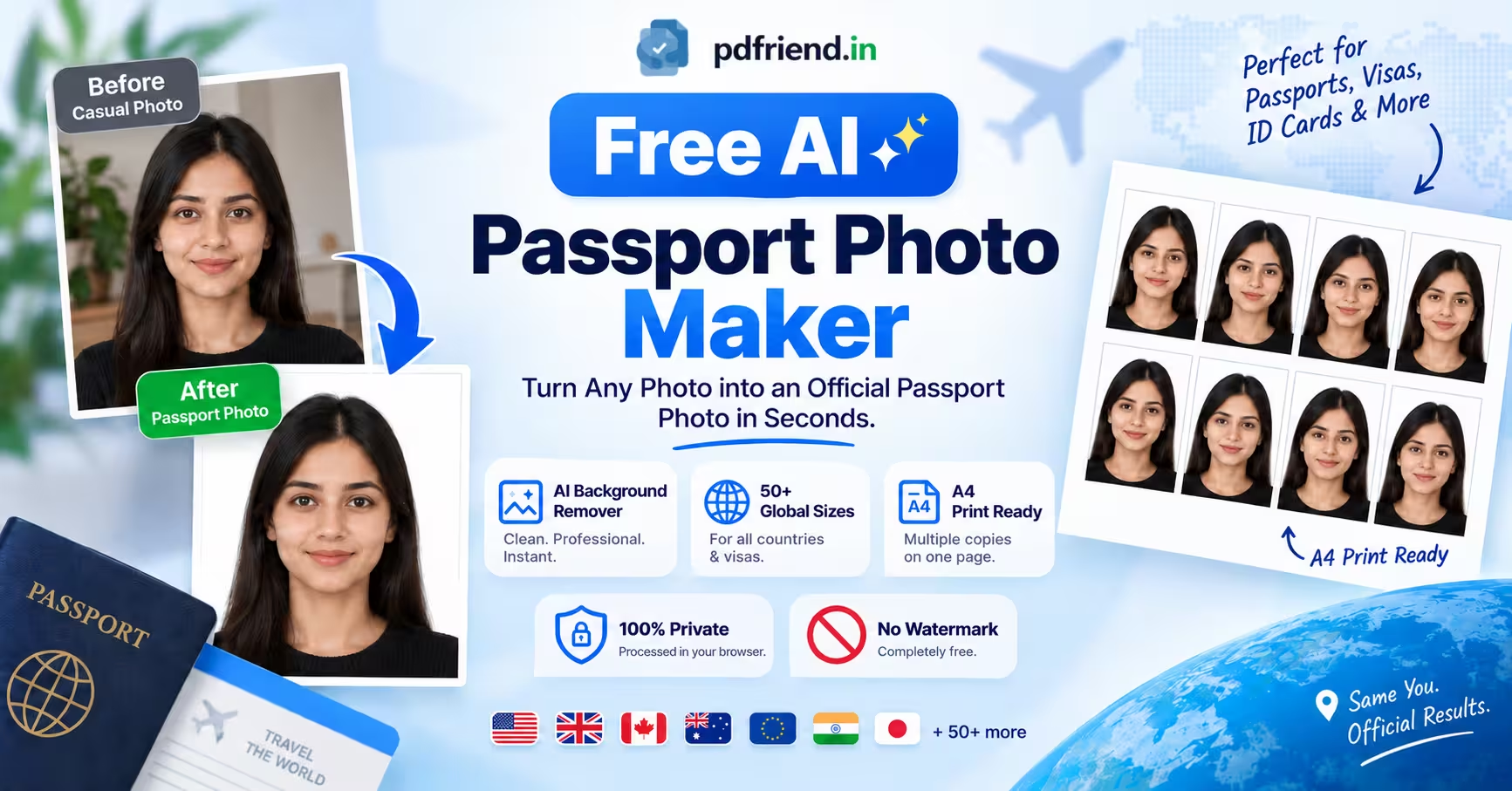
Creating perfectly sized biometric and passport photos doesn't require a trip to a studio anymore. With our fully equipped in-browser studio, you can snap a photo or upload an existing one and instantly convert it into official document formats.
Perfect for Printing & Documentation Shops
Generate print-ready A4 sheets with up to 60 copies instantly. Adjust margins, add borders, and download high-resolution PDFs completely free of charge.
Over 50+ Global Presets & Custom Sizes
We've built a comprehensive, searchable database of official document dimensions. Whether you are applying for an Indian Passport (3.5x4.5 cm), US Visa (2x2 inch), UK or EU documents, or even specific cards like OCI, we have the exact dimensions ready. Just search your country or document type, and the tool automatically sets the correct width and height. You can also define custom dimensions for unique requirements.
Smart AI Background Removal
Official photos require a clean, solid background. Our tool features an advanced AI background remover that perfectly isolates your portrait. Once the background is removed, you can easily swap it out for standard white, blue, or any custom color required by your specific application.
Create Joint & Couple Photos
Need a joint photo for a bank account or official registry? Our unique joint photo feature allows you to seamlessly align and merge two separate portraits into a standard 6x4 cm joint format, perfectly spaced and ready for printing.
100% Private & Secure
Your identity documents are highly sensitive. That's why our tool processes everything directly on your device. The AI background removal, cropping, and PDF generation all happen locally within your browser. Your photos are never uploaded or stored on any server.
How to Create Your Photos
- 1. Upload or Capture: Take a fresh photo using your webcam or select one from your gallery.
- 2. Crop & Align: Use our on-screen guides for shoulder and eye-level alignment to get the perfect official crop.
- 3. Search Your Format: Use the preset search bar to find your country or document type.
- 4. Refine: Remove the background with one click and set the required background color.
- 5. Download: Choose between a single high-resolution image or a full A4 sheet PDF layout for printing.
Frequently Asked Questions
Is this passport photo maker really free?
Yes. Our tool is 100% free to use. There are no watermarks on your downloaded photos, and no hidden fees to generate the A4 printing PDF.
Does it support my country's passport size?
We support over 50 global sizes, including US (2x2 inch), UK, EU, India, Canada, and many more. If your specific size isn't listed, you can easily use the "CUSTOM" preset to enter exact dimensions in centimeters.
Is the AI background remover safe for my privacy?
Absolutely. The AI background removal model runs locally within your web browser. Your photo never leaves your device and is never uploaded to any external server.
How do I print the photos?
Select the "A4 Sheet" output format. This generates a PDF perfectly sized for standard A4 paper. Print the PDF using 180-210 GSM glossy photo paper and ensure your printer settings are set to "Actual Size" or "100% Scale".
More ID Card Cropp & other Tools
ID Card Arranger
The ultimate print adjuster. Align School, University, Corporate IDs, or Membership passes on A4 sheets with pixel-perfect accuracy for easy printing.
Photo GeoTag Stamper
Extract and print verified GPS coordinates, timestamps, and camera info on photos. 100% private, offline verification.
Insurance Photo GPS Stamper
Stamp GPS coordinates, timestamps, and Claim IDs directly onto home damage photos. 100% private, offline verification.
Add Name & Date on Photo
Stamp professional name and date strips (DOP/DOB) on photos instantly. 100% private processing for official job applications.