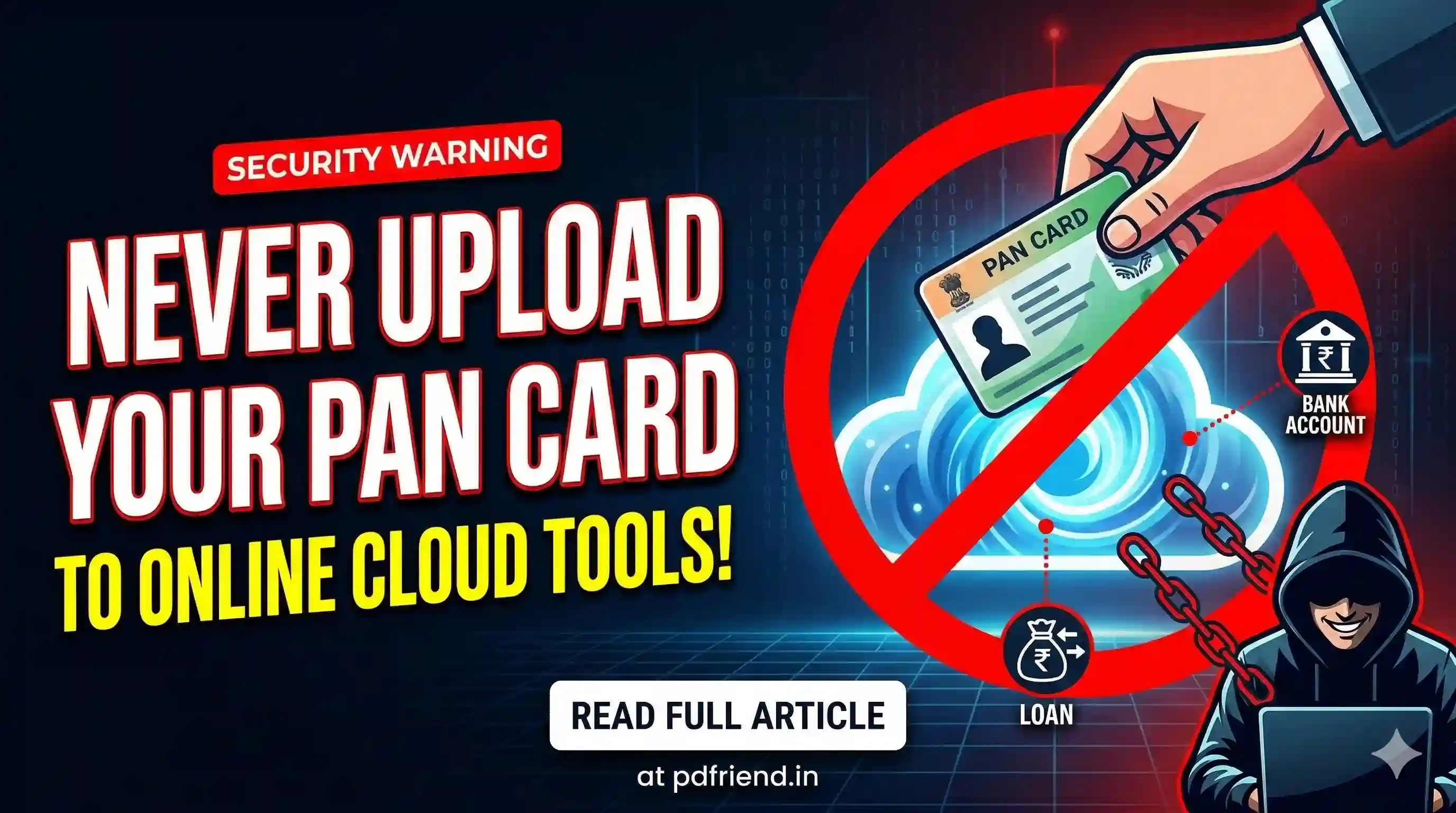
Never Upload Your PAN Card to Online Cloud Converter Tools — Here's Why It Can Ruin Your Life
There's something most people do without a second thought. They need to compress a document, convert a PDF, or resize an image. But the moment you click upload, your identity is at risk.
There's something most people do without a second thought. They need to compress a document, convert a PDF, or resize an image before uploading it somewhere. So they open a random online converter, drag their file in, click a button, and done.
What they don't realize is that the file they just uploaded — the one with their PAN card photo, their name, date of birth, father's name, and PAN number printed right there in bold — just landed on a server they know absolutely nothing about.
And somebody, somewhere, may now know everything they need to financially destroy you.
What Exactly Is on Your PAN Card That Fraudsters Want
Your PAN card looks like a simple laminated piece of plastic. But think about what's actually printed on it:
- Your full legal name
- Your father's full name
- Your date of birth
- Your 10-digit PAN number (unique to you across India)
- Your photograph
- Your signature
That is five separate pieces of identity information on a single document. Combine any three of those and a fraudster has enough to open a bank account, apply for a loan, file a fake income tax return, or get a SIM card issued in your name.
India's PAN card has emerged as the most-forged identity document globally, appearing in over 27% of all identity and tax document fraud cases, according to a 2025 cybersecurity report. That's not a small problem. That's an epidemic.
The SIM Swap Scam — A Real-World Example
Let me walk you through exactly how this plays out in real life.
Imagine Ramesh, a 34-year-old software professional from Pune. He had a PAN card scan saved on his phone and needed to compress it before emailing it to his CA. He searched "compress PDF online free," clicked the first result, uploaded the file, downloaded the compressed version, and moved on with his day.
Three months later, Ramesh gets a call from a mobile operator's customer care saying his number has been ported successfully. He never requested a port. Within 20 minutes, his banking OTPs stop coming. His mobile number is now in someone else's hands.
What happened? The fraudster who got Ramesh's PAN details from that converter site used his name, DOB, father's name, and PAN number to fake a SIM swap request at a local mobile store with a forged ID. Once they had his number, every OTP — for bank transfers, UPI, email — came to them.
This is called a SIM swap fraud and it is devastatingly common. Someone can take a loan in your name without you knowing if they have your personal information such as your identification number, date of birth, and other sensitive information — this can lead to financial fraud and identity theft.
Ramesh didn't get hacked. He didn't click a phishing link. He compressed a PDF.
What These Online Converter Sites Actually Do With Your File
Here is the thing about free online tools — they have to make money somehow. Many legitimate ones do it through ads. But the shady ones? They make money from your data.
File conversion websites can steal your identity without installing anything on your device. You don't need to download malware. You don't need to click a suspicious link. The moment your file reaches their server, your information is already in their hands.
The FBI recently issued a warning that threat actors have specifically been using online file conversion services to spread information-stealing malware. The FBI. About PDF converters. That tells you everything about how serious this has gotten.
How PDFriend.in Was Built Differently
This is exactly the problem that PDFriend.in was designed to solve.
PDFriend.in operates on a privacy-first, offline processing model. When you use PDFriend.in to compress, convert, or manipulate a PDF — your file never leaves your browser. The processing happens entirely on your device, using JavaScript that runs locally. Nothing is uploaded to any server.
How to Verify It Yourself (Step-by-Step)
- Step 1: Open the website you want to test in Google Chrome or Mozilla Firefox.
- Step 2: Before uploading anything, press F12 on your keyboard to open the browser's Developer Tools.
- Step 3: Click on the "Network" tab at the top of the panel.
- Step 4: Make sure recording is active (red dot in the top-left of the panel).
- Step 5: Now go ahead and upload your file and trigger the conversion.
- Step 6: Watch the Network tab. If the tool is sending your file to a server, you will see network requests appear (usually POST requests with large data sizes).
- Step 7: On PDFriend.in, you will notice that no such upload request appears. The only activity is the initial page load.
That's the difference. On most online converter sites, you'll see your file flying off to some external API domain. On PDFriend.in, nothing moves because nothing needs to.
Practical Rules to Follow
- Never upload identity documents to any online cloud tool unless you have personally verified it processes files locally.
- Check the Network tab before trusting any new tool with sensitive files.
- If you must share your PAN card digitally, watermark it first. Write "For [specific purpose] only — [date]" across the scan.
- Monitor your CIBIL score every few months to know if any unauthorised loans have been taken under your name.
The 30 seconds it takes to upload a file to the wrong tool is not worth the years of legal damage it can cause. pdfriend.in exists because document privacy shouldn't require technical knowledge.
PAN Card One-Page Print Tool
Crop and arrange your PAN card front and back on a single A4 sheet safely offline. No server uploads required.
Open PAN ToolMore from the web
About the author

PDfriend Team
Developers & Security Advocates
Focus
Development & Cybersecurity
Experience
Combined Experience
The Mission Behind pdfriend.in
"With years of combined experience in development, cybersecurity, and the evolving internet landscape, our team is driven by a shared technical mission. The recent surge in document forgery and identity fraud is what led us to build pdfriend.in together. We have engineered this platform to be entirely 'Zero-Server' because we believe in absolute data privacy. While our team ensures these tools are secure, we always remind our users that true safety also requires protecting your own devices from untrusted software and local malware."
Commitment to Safety: Every tool on this platform is strictly audited by our developers and built to operate 100% offline. No cloud, no risk, no compromises.