What Is PDF Metadata — And Why You Should Always Remove It Before Sharing
You saved a proposal as a PDF and sent it to a client. Done, right? Not quite. You also sent a hidden layer of information that reveals more than you intended.
You saved a proposal as a PDF. Sent it to a client. Done, right? Not quite.
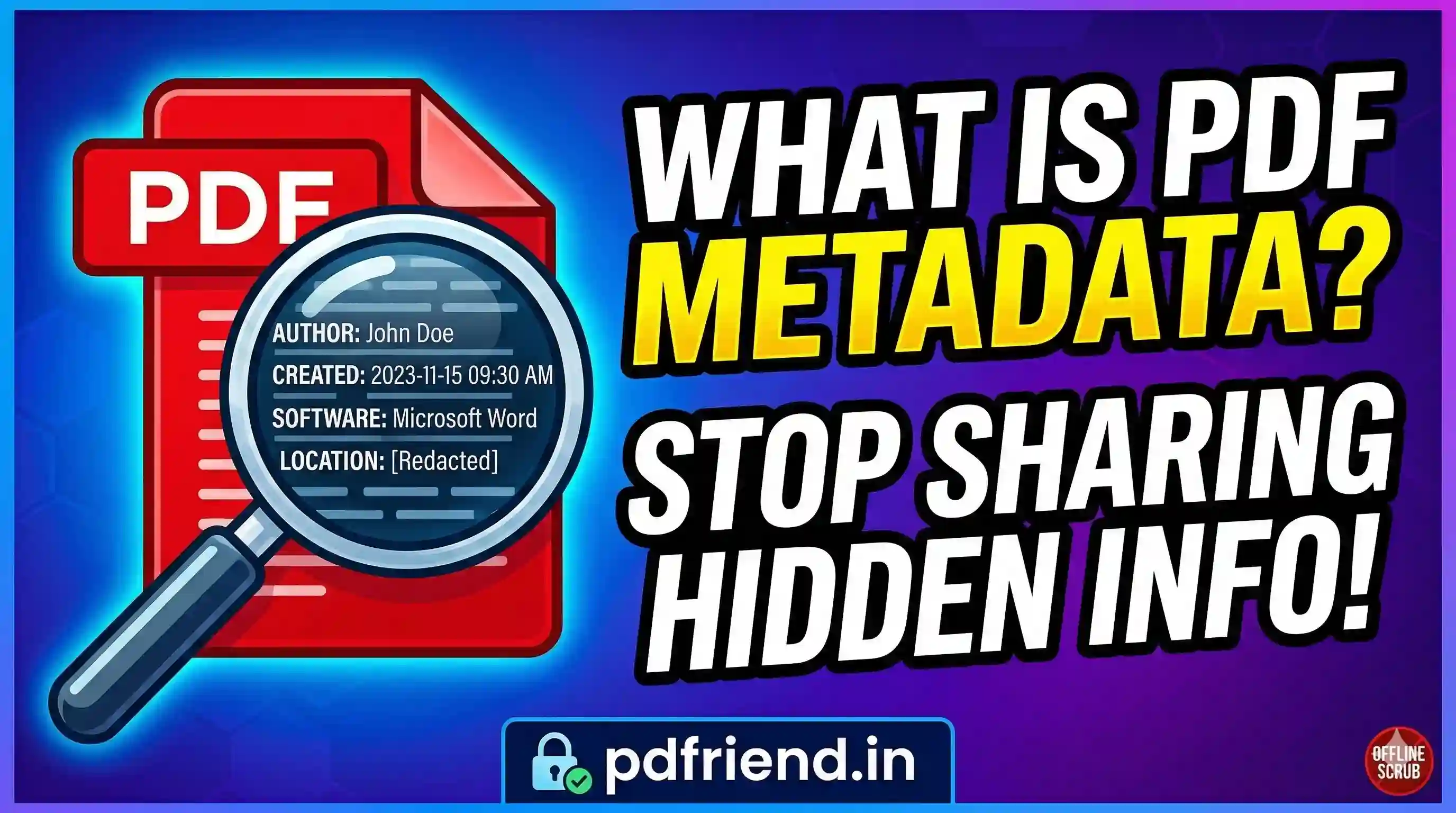
What you just sent wasn't just the text and images your client can see. You also sent along a hidden layer of information — who created the file, when it was first drafted, what software you used, the name of the computer it was made on, and sometimes even the original author's full name pulled from a Windows or macOS profile.
That hidden layer is called PDF metadata. And most people have no idea it exists.
So What Exactly Is PDF Metadata?
When any application creates a PDF, it quietly embeds a set of descriptive tags. These tags help software catalog and manage documents, but they can be surprisingly revealing. Typical fields include:
- Title — often pulled from the file's first heading.
- Author — the name registered to the software license or OS profile.
- Creator/Producer — the specific software used to produce or convert the document.
- Creation/Modification Date — exact timestamps of every edit session.
- Custom Properties — project codes or company-wide internal tags.
A Real-World Example: The "Clean" Proposal
Imagine Arjun sends a proposal. The filename receipt shows "Draft_Proposal_v3_after_CFO_feedback.pdf" in the metadata Title field. The creation date shows it was drafted a week before it was sent. The modified date shows he was editing it at 11:47 PM the night before.
None of this was in the document body, but the client now knows Arjun had multiple rounds of internal feedback, was rushing at the last minute, and the document sat on his desk for a week. This changes the negotiation dynamic entirely.
Why This Matters
- Reveals Internal Workflow: Filenames often reflect approval chains and internal feedback.
- Exposes Personal Information: Author fields pull from OS profiles, potentially revealing your full legal name on a professional document.
- Timestamps Tell a Story: Discrepancies between drafted dates and signed dates can cause legal complications.
- Identifies Software Stack: Knowing your internal tools can be useful intelligence for competitors or security-sensitive situations.
How to Scrub Metadata Securely
pdfriend.in has a free PDF metadata remover tool. It strips out author, title, creator, producer, timestamps, and custom properties — all of it — and gives you back a clean PDF.
Verified Private: Because pdfriend.in runs entirely in your browser using JavaScript, your file is processed locally. The server is never involved. You can verify this by using the browser's Network Tab (F12); you'll see zero outbound requests containing your file data. Nothing leaves your machine.
Taking 30 seconds to remove metadata before you hit send isn't paranoia. It's just being thoughtful about what you're actually handing over. Check your own PDFs—you might be surprised what's in there.
PDF Metadata Remover
Scrub author names, creation dates, and software tags from your PDFs locally in your browser. No data ever leaves your device.
Scrub Metadata NowMore from the web
About the author

PDfriend Team
Developers & Security Advocates
Focus
Development & Cybersecurity
Experience
Combined Experience
The Mission Behind pdfriend.in
"With years of combined experience in development, cybersecurity, and the evolving internet landscape, our team is driven by a shared technical mission. The recent surge in document forgery and identity fraud is what led us to build pdfriend.in together. We have engineered this platform to be entirely 'Zero-Server' because we believe in absolute data privacy. While our team ensures these tools are secure, we always remind our users that true safety also requires protecting your own devices from untrusted software and local malware."
Commitment to Safety: Every tool on this platform is strictly audited by our developers and built to operate 100% offline. No cloud, no risk, no compromises.