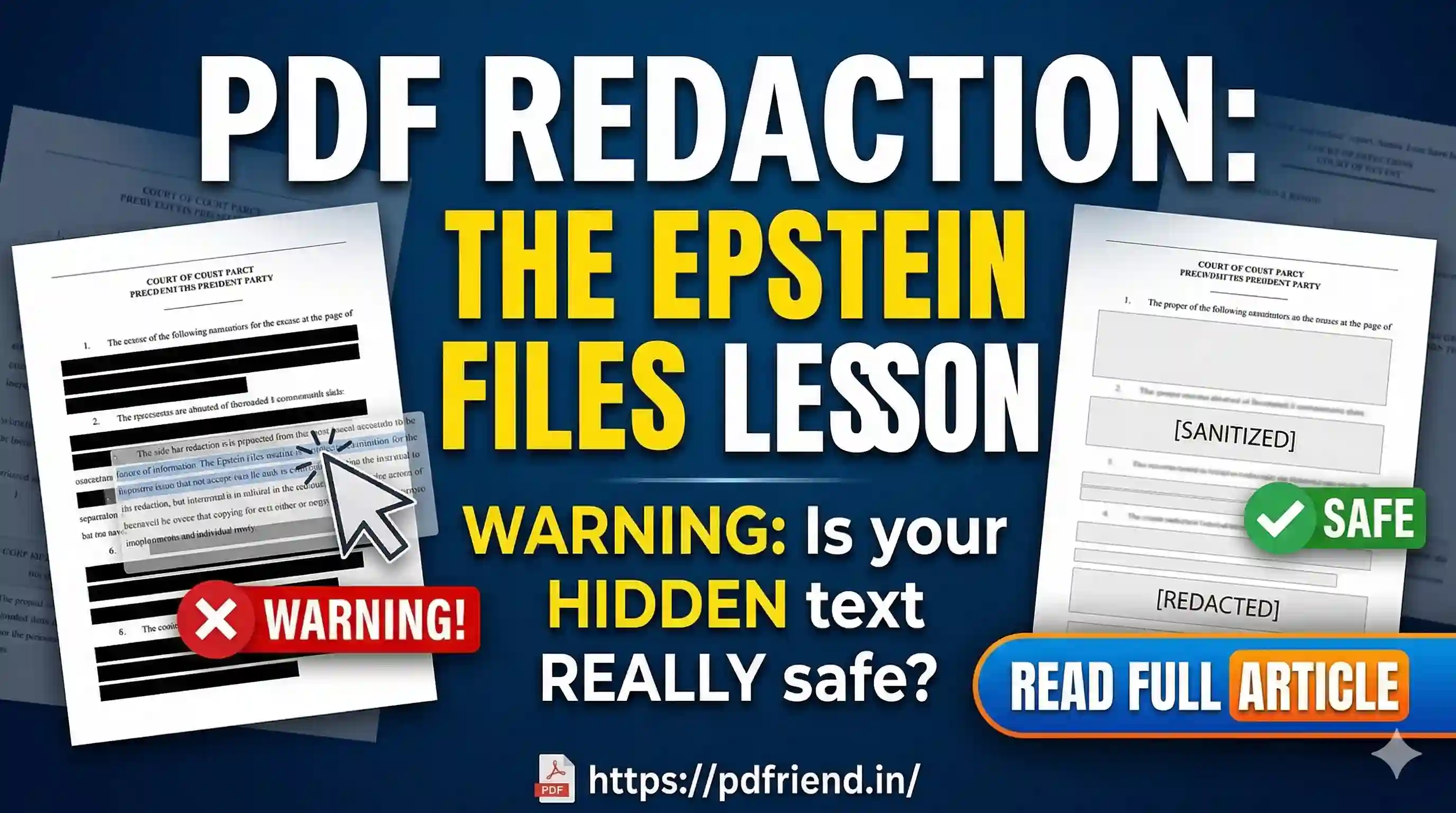
PDF Redaction: What the Epstein Files Taught the World About Hiding Information the Wrong Way
There's a moment that happens in every major document leak. Someone opens a 'redacted' PDF, selects the blacked-out text, hits Ctrl+C — and the hidden info appears.
There's a moment that happens in every major document leak scandal. Someone opens a "redacted" PDF, selects the blacked-out text, hits Ctrl+C, pastes it into a plain text editor — and watches the supposedly hidden information appear, word for word, completely readable.
It happened with Paul Manafort's legal filings in 2019. It happened with NSA documents years before that. And in December 2025, it happened again — at one of the highest-profile document releases in recent American history: The Epstein Files.
The Epstein Files: A Lesson in Fake Redaction
When the U.S. Department of Justice released thousands of documents tied to the Jeffrey Epstein case in December 2025, entire pages were blacked out. Names were covered. Passages were obscured. On screen, everything looked properly handled.
Then the internet got to work. Social media users discovered that blacked-out text in certain documents could be revealed simply by copying and pasting it into another application. No hacking. No forensic tools. Just a common "copy-paste" flaw found in some PDF documents — a type of faulty redaction that is a known digital security error.
Why This Happens: The PDF Is Not What You Think
Most people assume a PDF is basically a frozen image of a page — what you see is what exists. That assumption is dangerously wrong, and it's the root cause of nearly every redaction failure in history.
A PDF file isn't a simple flat image. It's a multi-layered document that can contain text, images, vector graphics, annotations, bookmarks, metadata, and more. Redaction failures usually stem from leaving one of these layers or components intact.
Think of it like a laminated card. Drawing a black box on the laminate hides text visually. It doesn't remove the paper underneath. A PDF file stores a sequence of instructions. When you draw black redaction boxes, you are simply appending an instruction: "draw a box here." But the previous instructions for writing the text are all still there.
Three Ways Redaction Fails
- The Black Box Illusion: Adding a black box without actually deleting that text from the PDF. Since PDF viewers render content in layers, an overlay annotation can sit on top while the text layer beneath remains untouched.
- The OCR Layer Problem: Many scanned PDFs end up with two layers: a photographic image and a separate invisible text layer generated by OCR to make it searchable. Standard redaction tools may only affect the visible layer, leaving the searchable text underneath intact.
- Metadata and History: Metadata can reveal author names, creation dates, internal file paths, and sometimes fragments of original text even when the visible content appears clean.
What Proper Redaction Actually Means
True redaction is a destructive operation. It must physically remove the data from the file's internal structure — not cover it, not mask it, not paint over it. It must rebuild the content stream and ensure there is nothing left to recover.
When done correctly:
- The text is gone from the PDF's content stream entirely.
- Copy-paste from the redacted area yields nothing.
- Search functions find no matches for the removed content.
- Metadata is scrubbed of author names and identifiers.
A Quick Self-Audit for Any PDF
- The paste test: Select the redacted area (or Ctrl+A), copy, and paste into Notepad. If text appears, it failed.
- The search test: Use Ctrl+F to search for a word that should be gone. If it's found, the redaction failed.
- The metadata check: Go to File > Properties. If you see sensitive names, the metadata was never cleaned.
- The second viewer test: Open the same PDF in a different application. Sometimes errors are only visible in certain viewers.
At pdfriend.in, we built our redaction tool so your data never leaves your device. The PDF is processed locally using client-side JavaScript. No outbound requests carrying your document data. Trust the Network tab, not just the claims.
Secure PDF Redactor
Permanently scrub sensitive text and images from your documents. Our tool rasterizes your redactions so they can never be reversed.
Redact PDF NowMore from the web
About the author

PDfriend Team
Developers & Security Advocates
Focus
Development & Cybersecurity
Experience
Combined Experience
The Mission Behind pdfriend.in
"With years of combined experience in development, cybersecurity, and the evolving internet landscape, our team is driven by a shared technical mission. The recent surge in document forgery and identity fraud is what led us to build pdfriend.in together. We have engineered this platform to be entirely 'Zero-Server' because we believe in absolute data privacy. While our team ensures these tools are secure, we always remind our users that true safety also requires protecting your own devices from untrusted software and local malware."
Commitment to Safety: Every tool on this platform is strictly audited by our developers and built to operate 100% offline. No cloud, no risk, no compromises.