How to Convert Images to PDF (JPG, PNG) Securely
Convert your photos, screenshots, and scanned images into a single professional PDF document. Ideal for assignments, receipts, and portfolios.
In today's digital world, we often take pictures of documents—homework assignments, bills, whiteboard notes, or legal papers. But sending 10 separate JPG files in an email is unprofessional and messy.
The standard is PDF. It keeps everything in one file, in the correct order. Here is how you can turn that pile of gallery photos into a clean, professional PDF document using Image to PDF.
The "WhatsApp to PDF" Workflow
Most students and professionals receive documents via WhatsApp. Here is the fastest way to handle them on your laptop:
- Open WhatsApp Web on your computer.
- Click on the image, right-click, and select "Copy Image".
- Open our Image to PDF tool and press Ctrl+V.
That's it! The image appears on the page immediately. No need to "Save As" → "Upload" → "Select File". Just Copy and Paste.
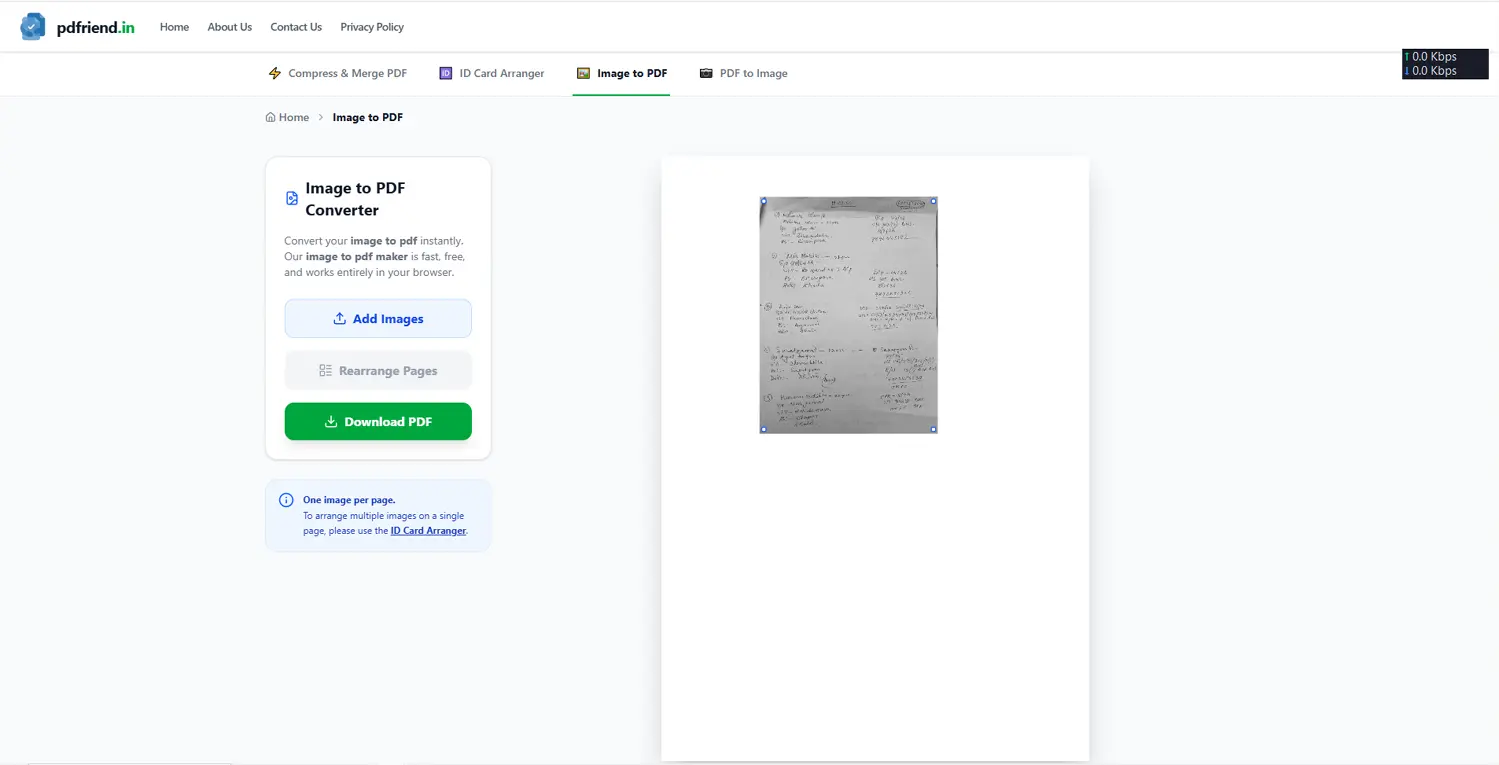
Workflow: Simply copy an image from WhatsApp and paste (Ctrl+V) directly into the converter.
Organizing Your Pages
Once your images are loaded, you aren't stuck with them.
- Reorder: Did you upload Page 2 before Page 1? Click "Rearrange Pages" and drag them into the right order.
- Rotate: Phone cameras often take photos sideways. Use the rotation tool to fix orientation.
- Crop: Cut out the messy desk background from your document photo using our crop tool.
Optimizing for Email
Images from modern phones are huge (often 5MB+ each). A 10-page PDF could easily become 50MB, which is too big to email.
Our tool automatically optimizes images for document viewing. However, if you need it even smaller, you can:
- Download the PDF first.
- Go to our Compressor Tool.
- Shrink it down to your target size (e.g., under 2MB).
Why not use mobile apps?
Mobile scanner apps are great, but they often add watermarks ("Scanned with...") or require a premium subscription for high quality. Plus, editing on a small screen is tedious.
pdfriend.in gives you a desktop-class editing experience without the watermarks, ads, or fees. And because it runs in the browser, it works on your phone too if you need it.
Turn your photos into documents today. Convert Image to PDF.
Professional Image to PDF
Combine multiple JPG, PNG, or WEBP images into a single, high-quality PDF. Rearrange, rotate, and crop before saving.
Convert Images NowMore from the web
About the author

PDfriend Team
Developers & Security Advocates
Focus
Development & Cybersecurity
Experience
Combined Experience
The Mission Behind pdfriend.in
"With years of combined experience in development, cybersecurity, and the evolving internet landscape, our team is driven by a shared technical mission. The recent surge in document forgery and identity fraud is what led us to build pdfriend.in together. We have engineered this platform to be entirely 'Zero-Server' because we believe in absolute data privacy. While our team ensures these tools are secure, we always remind our users that true safety also requires protecting your own devices from untrusted software and local malware."
Commitment to Safety: Every tool on this platform is strictly audited by our developers and built to operate 100% offline. No cloud, no risk, no compromises.