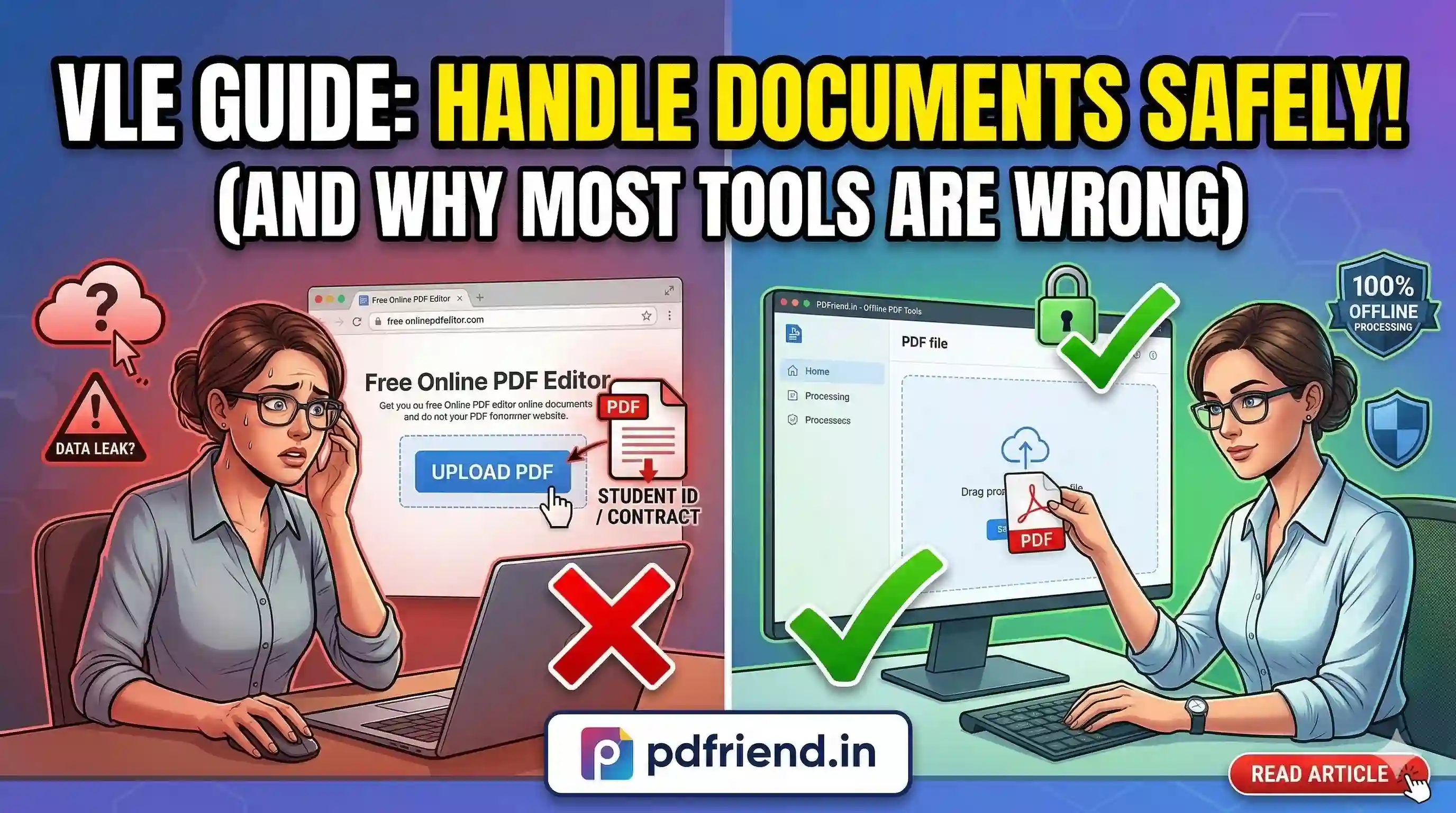
VLE Guide: How to Handle Customer Documents Safely (And Why Most Tools Are Getting It Wrong)
Anyone handling documents on behalf of others has a legal and ethical obligation to ensure they are processed securely. Learn the smarter standard for VLE administrators.
Let me start with a scenario you've probably lived through. A client sends you a PDF contract with sensitive figures, or a student submits an assignment with ID details. You need to process it, and you reach for the first online tool you find.
But the question nobody asks is: where did that document actually go?
This guide is for VLE administrators, HR teams, legal professionals, and freelancers. If you work with documents that belong to someone else, you have an obligation to handle them safely. And right now, most people are not.
What "Document Safety" Actually Means
Real document safety covers three critical areas:
- Where the document travels: Does it leave your device? Does it pass through a third-party server? Who owns that server?
- How long it's retained: Even if a tool claims to "delete files," you cannot verify that claim without understanding the backend.
- Who can access it: Provider employees, automated scanning systems, and advertising analytics are all potential exposure points.
The Smarter Standard: Client-Side Processing
The safest possible approach is one where the document never leaves the user's device. This is technically called client-side processing.
The file is handled entirely within the browser using JavaScript or WebAssembly. No upload. No server. No third party. The document only ever exists on your own machine. The moment you close the tab, everything is gone—no residual copy, no server log.
This is how pdfriend.in was built from the ground up. All PDF operations happen directly in your browser. When you compress or merge files on pdfriend.in, your documents are never transmitted to any server.
Real Scenarios Where This Matters Most
- Teachers and VLEs: Student work and personal info fall under educational privacy laws (FERPA/GDPR). Unverified tools are a compliance risk.
- HR and Recruitment: Resumes contain addresses and phone numbers. Every server-side process is a potential data governance issue.
- Legal Professionals: Client contracts carry confidentiality obligations. Uploading to a random merger could breach professional responsibility rules.
Summary: Practical Checklist
- Does this document contain personal or legal information?
- Do I know where this tool processes files — locally or on a server?
- Have I checked the tool's network activity (F12)?
- Could I explain to my client what happened to their document if they asked?
The documents people send you aren't just files. They're trust made tangible. Handle them accordingly. pdfriend.in is built to ensure that trust is never broken.
More from the web
About the author

PDfriend Team
Developers & Security Advocates
Focus
Development & Cybersecurity
Experience
Combined Experience
The Mission Behind pdfriend.in
"With years of combined experience in development, cybersecurity, and the evolving internet landscape, our team is driven by a shared technical mission. The recent surge in document forgery and identity fraud is what led us to build pdfriend.in together. We have engineered this platform to be entirely 'Zero-Server' because we believe in absolute data privacy. While our team ensures these tools are secure, we always remind our users that true safety also requires protecting your own devices from untrusted software and local malware."
Commitment to Safety: Every tool on this platform is strictly audited by our developers and built to operate 100% offline. No cloud, no risk, no compromises.